How to Print Your Edition
From download to your first colored page — four quiet steps, no sorcery required. Your edition is designed to print beautifully on any home printer.
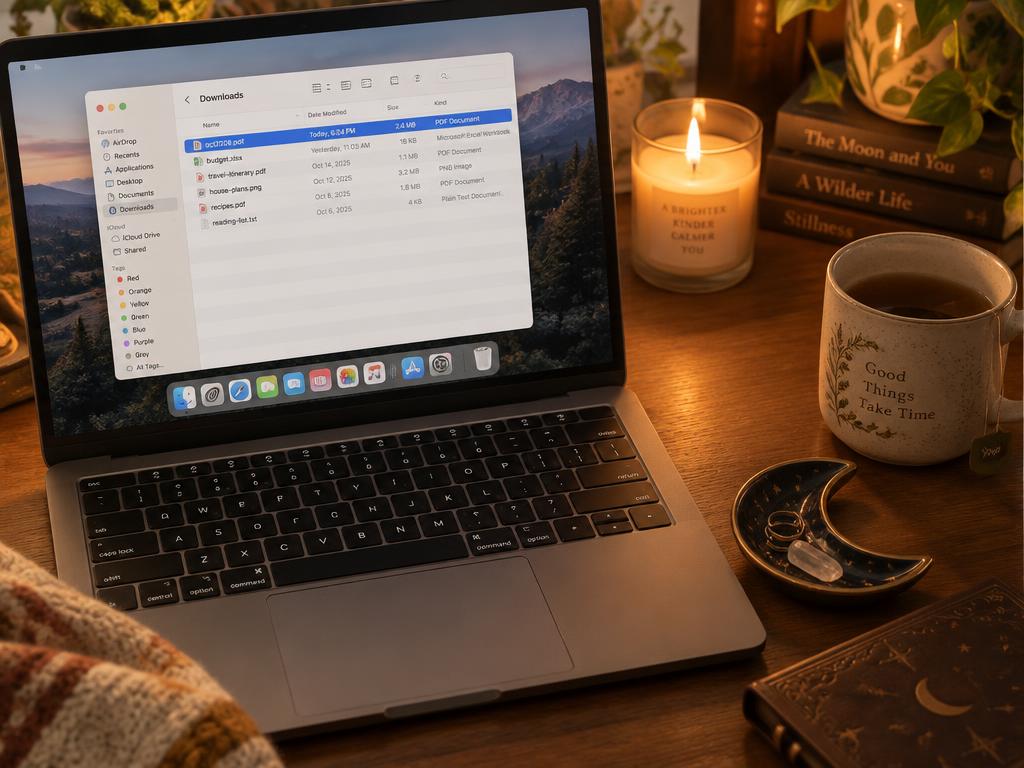
Download Your Files
After you reserve your edition, sign in and visit your Account page — your download is waiting there. Click the file and it will save straight to your computer's Downloads folder.
Every edition arrives as a PDF with the JPG files included, ready to print on anything from card stock to vellum in 8.5" x 11" format at 300dpi.
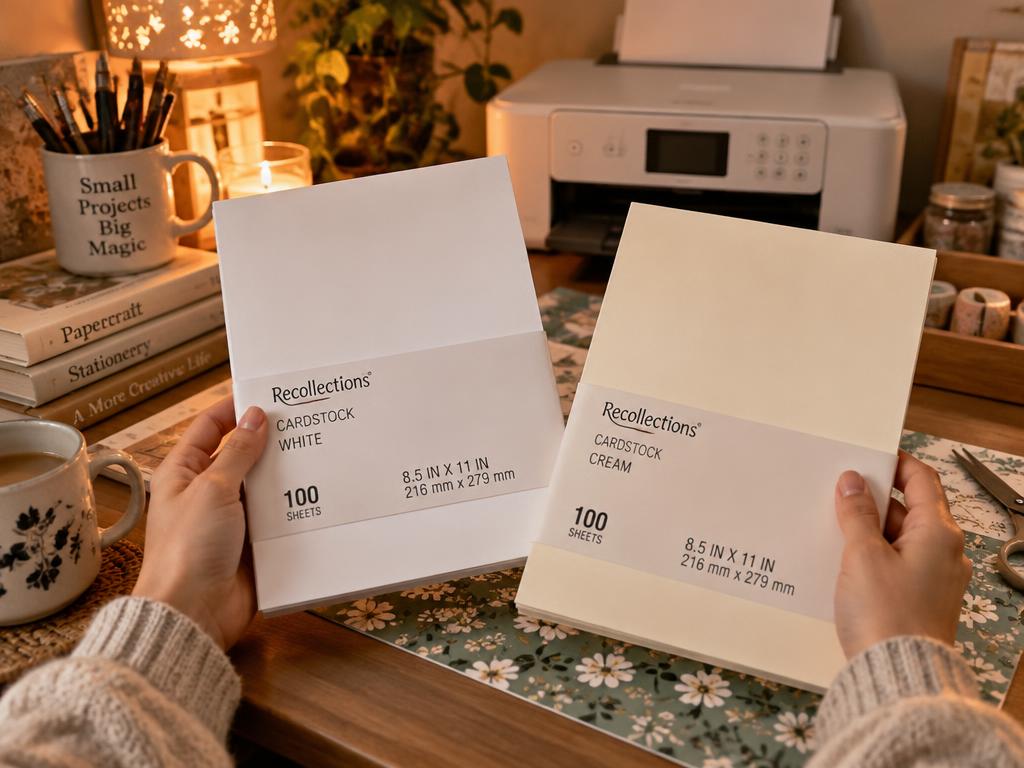
Choose Your Paper
The paper makes the magic. We recommend a smooth white or cream card stock between 65lb and 80lb (176–216 gsm) — heavy enough that markers won't bleed through and pens won't dent the page.
Regular printer paper works beautifully too, especially for colored pencils or for printing practice pages while you choose your palette.
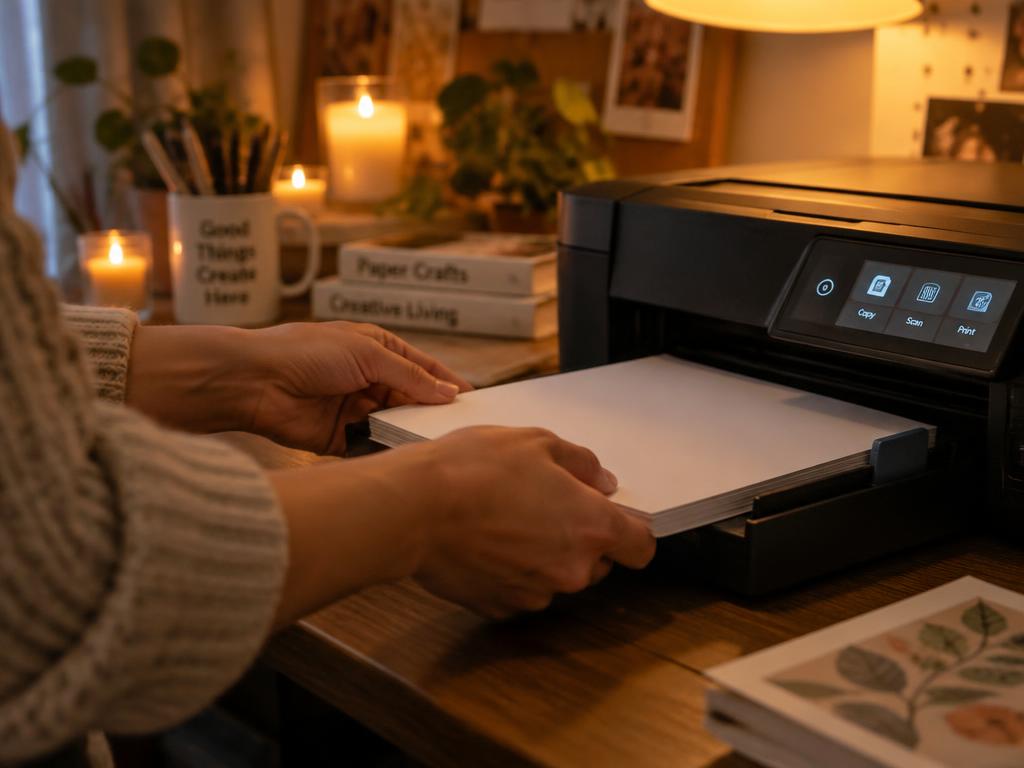
Set Your Printer
In your print dialog, set the paper size to Letter (8.5" x 11") and choose "Actual Size" or "100%" so the artwork keeps its true proportions. Select "Best" or "High" quality for the crispest lines.
The pages are black-line illustrations, so any printer will do — but if your printer has a grayscale or "black ink only" option, use it to keep the lines soft and true.
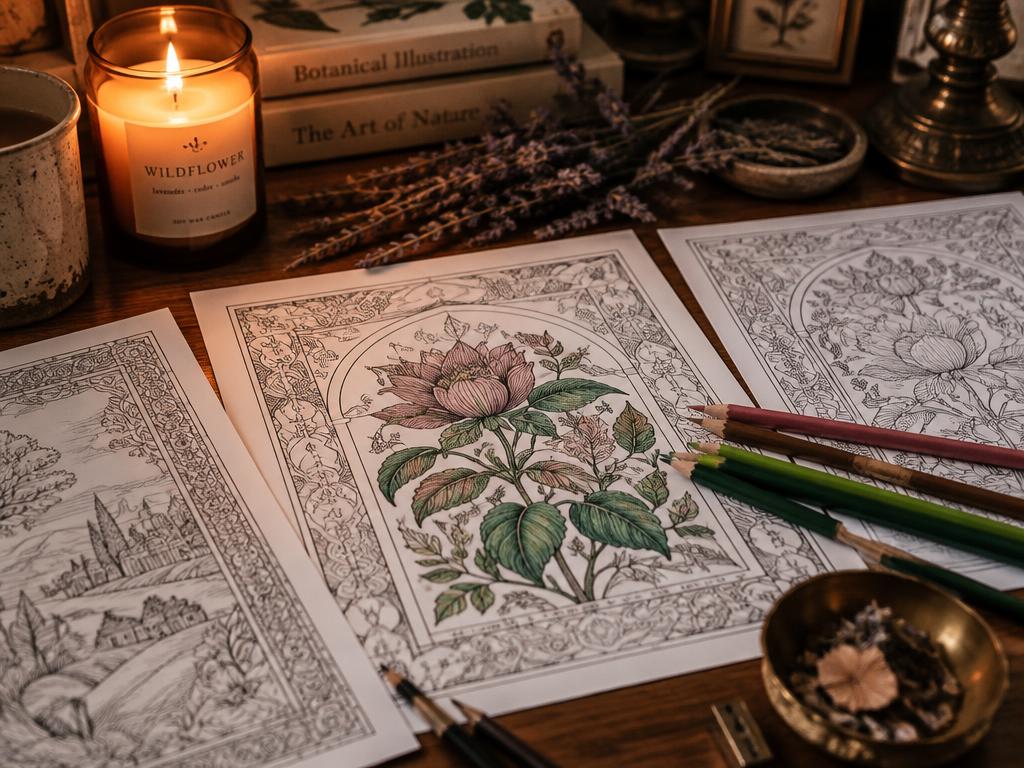
Print & Begin
Print one page or a hundred — the files are yours forever, and you may print them as many times as you like. Line them up in a binder, pin them to the wall, or gift the extras to a fellow witch.
Then light a candle, pour something warm, and begin. Happy coloring. 🌙
Little Notes & Spells
- ✦Outside the US? Set your paper to A4 and choose “Fit to Page” — the artwork scales gracefully and nothing important is lost.
- ✦Use the JPGs if you'd like to color on a tablet — they open in any drawing app and behave beautifully under an Apple Pencil or stylus.
- ✦Test first. Print a single page on plain paper to check your margins before committing a whole ream of card stock.
- ✦Print as many as you like. The files are yours forever — reprint a page you love, or share printed copies with friends (the files themselves are for your eyes only; see our Terms of Use).